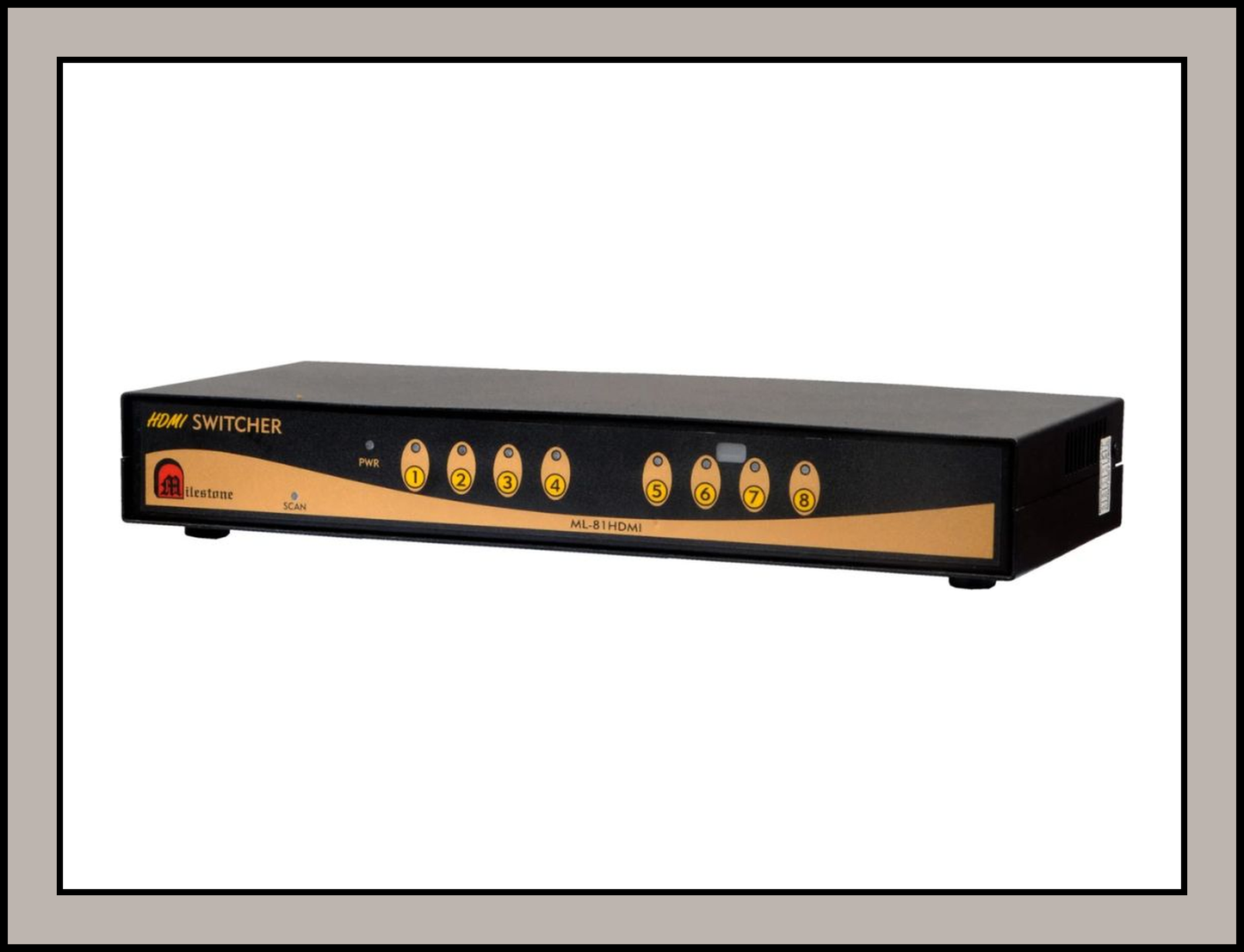

8 In 1 Out HDMI Switch with EDID Management for 720p, 1080p with KVM : ML-81HDMI-KVM
8 In 1 Out HDMI Switch with EDID Management for 720p, 1080p with KVM : ML-81HDMI-KVM
The Milestone ML-81HDMI-KVM is an 8 in 1 out HDMI switch with EDID management, designed to route multiple HDMI sources to a single display. It lets integrators connect up to eight devices and switch between them as needed, making it a practical building block for commercial AV installations.
Key Features
• 8-Port HDMI KVM Switching: Enables convenient switching between up to eight connected HDMI sources, allowing multiple systems to be managed through a centralized KVM setup.
• High-Definition HDMI Video: Provides clear and stable digital video transmission, delivering detailed visuals on compatible HDMI displays.
• Shared Keyboard & Mouse Control: Supports KVM functionality for keyboard and mouse management, allowing users to control connected computers from a single workstation.
• Multi-Computer Management: Simplifies access to multiple PCs or HDMI-enabled systems, reducing the need for separate keyboards, mice, and displays for each connected device.
• Wide Device Compatibility: Designed to work with computers, laptops, HDMI monitors, keyboards, and mice, making it suitable for IT rooms, control centers, offices, and monitoring environments.
• Convenient Plug-and-Play Operation: Offers easy installation and source switching without complicated software configuration, providing a practical solution for centralized system control.
Applications
• Boardrooms and conference rooms with multiple laptops and presentation sources
• CCTV and monitoring control rooms where several feeds share one display
• Home and office entertainment setups linking consoles, set-top boxes and media players
• Education and training venues with shared projection systems
Summary
The Milestone ML-81HDMI-KVM is a dependable HDMI switching solution for professional and institutional AV environments. With eight inputs, a single output and EDID management, it simplifies routing multiple sources to one display while keeping the installation clean and easy to manage.
Share